Live custom AI agents
Three agents were turned from workflow problems into published, usable Notion agents with clear inputs, structured outputs, and business use cases.
A suite of live Notion Marketplace custom AI agents designed to turn messy briefs, client notes, feedback, proposals, SOWs, and campaign inputs into clear, structured outputs teams can act on — built through a repeatable agent-design process for creators, agencies, consultants, and client-facing businesses.
The agents are designed around a practical gap: teams already have the information they need, but it is often buried inside briefs, emails, call notes, SOWs, proposals, client comments, and scattered campaign notes.
Instead of asking a general chatbot to “make sense of this,” each agent has a defined job: extract the important details, organise the mess, highlight risks or missing information, and turn it into a clear output that creators, agencies, marketing teams, consultants, and client-facing operators can act on quickly.
The strongest use case was not “AI that can do anything.” It was AI that understands a specific operational moment: a brief needs turning into deliverables, client notes need turning into a request plan, or feedback needs turning into revision actions.
That made the product direction sharper. Each agent is intentionally narrow enough to be useful, but flexible enough to work with the messy real-world inputs teams already have.
This is the commercial opportunity: I can design AI agents around the way a business already works, define the output before the prompt, and package the result so the user understands what to give the agent and what they will get back.
The suite focuses on the practical admin layer that slows teams down: brief translation, client request planning, revision summaries, weekly updates, and turning unstructured notes into clean next steps. It shows how custom AI agents can be scoped around real work instead of broad, generic “assistant” promises.
Three agents were turned from workflow problems into published, usable Notion agents with clear inputs, structured outputs, and business use cases.
Campaign notes and approved creative angles become hooks, openings, scripts, shot lists, checklists, and filming-ready deliverables.
Briefs, emails, meeting notes, proposals, and SOWs become a clear request plan with scope, approvals, risks, dependencies, and missing information.
Feedback, review notes, Loom comments, Slack messages, and campaign notes become structured revision summaries, blockers, next steps, and polished weekly client updates.
Each agent is positioned around a specific operational handoff: what messy information goes in, what structure comes out, and who can use the result. That clarity is what makes the agents feel like products, not prompts.
Turns scattered client inputs into a request plan covering the core request, scope, deliverables, risks, approvals, dates, dependencies, missing information, and next steps.
View Notion profile ↗
Turns existing briefs, campaign notes, client inputs, and approved angles into hooks, openings, shot lists, scripts, checklists, and filming-ready deliverables.
View Notion profile ↗
Turns messy UGC campaign information into deliverables, feedback-to-revision summaries, blockers, next steps, and weekly client updates for creators, agencies, and marketing teams.
View Notion profile ↗The product direction had to feel useful to teams who already use Notion and already understand the pain of scattered input. The agents needed to be clear, specific, and immediately practical — with enough structure that a user could trust the output without rebuilding it from scratch.
The work was not just writing prompts. It was designing the shape of the output first, then building each agent around the real workflow moment it needed to support. This same process can be applied to other service, creator, agency, and operations workflows.
Define the source material the agent must handle: briefs, campaign notes, emails, meeting notes, proposals, SOWs, feedback, or review comments.
Decide whether the user needs a request plan, delivery checklist, script outline, revision summary, weekly update, or missing-information list.
Build the agent around extraction, organisation, prioritisation, risk detection, blocker detection, missing-information checks, and next-step clarity.
Turn the workflow into clear instructions, use-case language, example outputs, gallery assets, and a promise that helps users understand when to use it.
Keep the final output organised enough that a team member, creator, freelancer, or client-facing operator can act on it without decoding it again.
The strongest design decision was to avoid broad “business AI assistant” language. Each agent needed a defined job, a clear user, a recognisable input, and an output people could immediately understand as useful.
The agents are built around repeatable operational moments rather than open-ended prompting. That makes the promise easier to understand and the output easier to trust: the user knows what to input, what the agent will organise, what it will flag, and what kind of output they should expect.
The agent value comes from the structure of the result, not from sounding clever. The output spec comes first, then the prompt architecture supports it.
The UGC agents are deliberately positioned for downstream execution: turning approved briefs and angles into things people can film, revise, and send.
The language stays grounded in real team pain: scattered notes, unclear approvals, missing information, and admin-heavy handoffs.
The icon, title, description, examples, and preview screens all explain the workflow promise so the agent feels practical before someone uses it.
These live Notion agents show three custom agent use cases: client request planning, UGC deliverables, and campaign handoff. Each one starts with a real business workflow, defines the input clearly, and turns messy information into an output teams can use immediately.
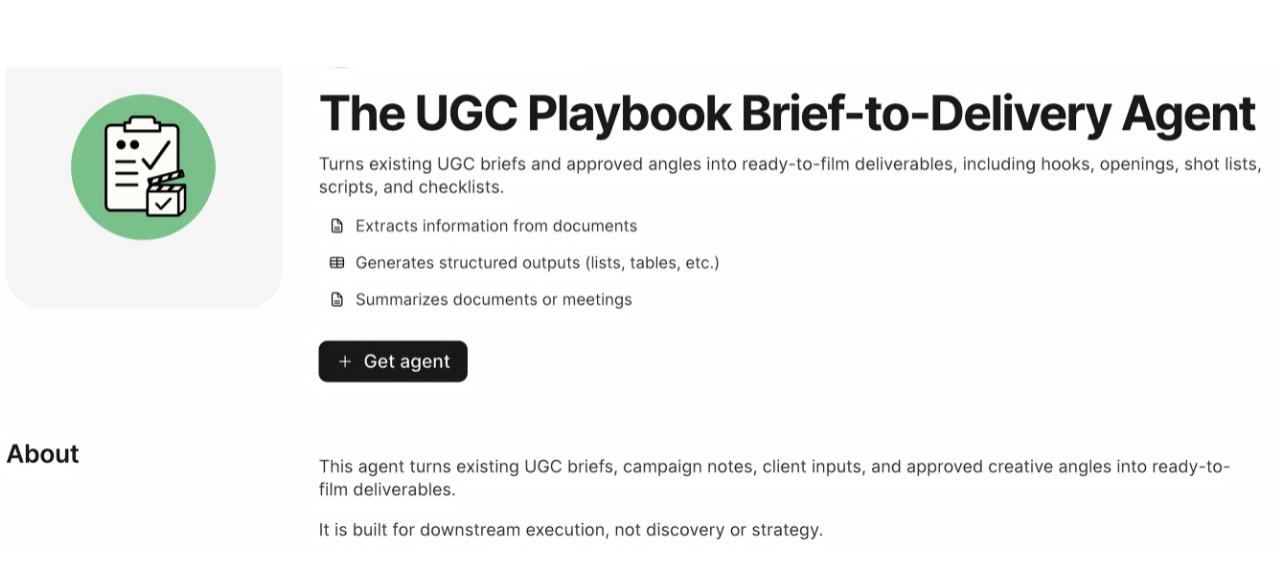
Built for downstream execution: transforming existing briefs, campaign notes, client inputs, and approved angles into hooks, openings, shot lists, scripts, checklists, and filming-ready deliverables.
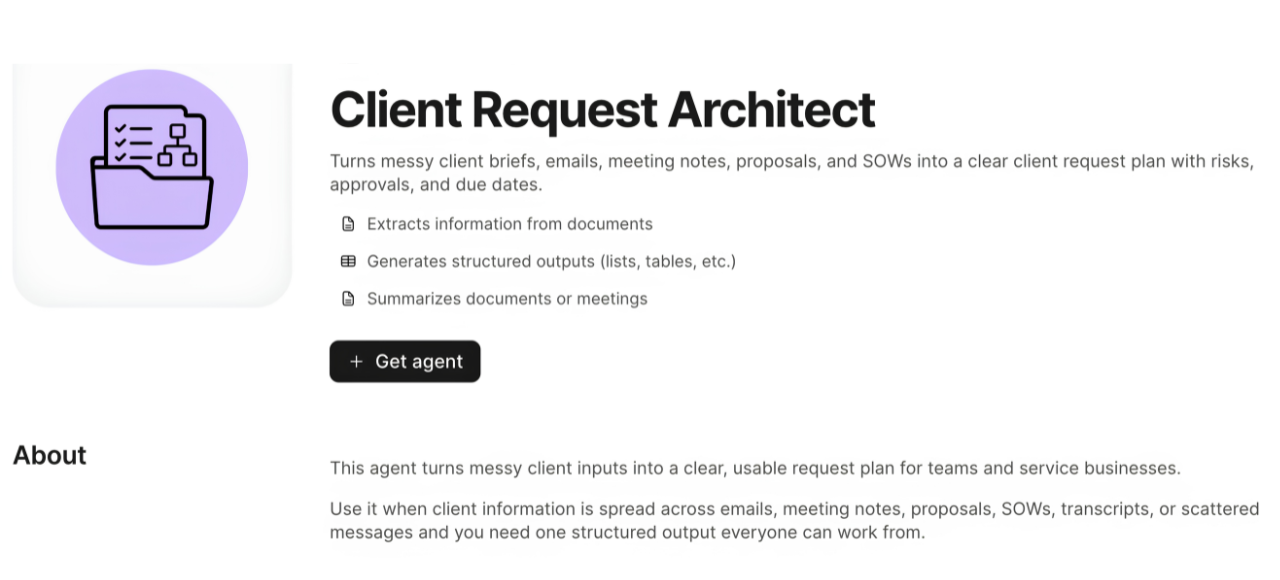
Turns client briefs, emails, meeting notes, proposals, SOWs, transcripts, or scattered messages into a request plan with scope, deliverables, risks, approvals, dependencies, and missing information.
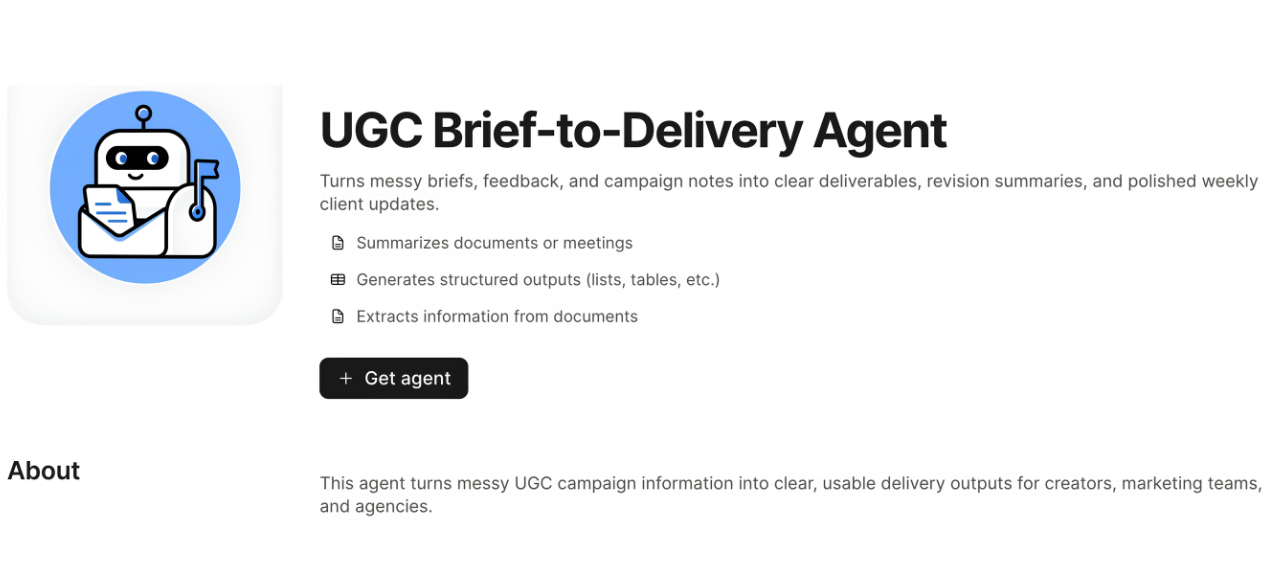
Supports three core workflows: brief-to-deliverables, feedback-to-revision summary, and campaign notes-to-weekly client update for creators, marketing teams, and agencies.
The agents sit at the intersection of creator operations, agency operations, client service, and business workflow systems. The launch angle is practical: AI should reduce manual sorting, surface what matters, and create outputs teams can use inside the tools they already work in — with the same process adaptable for custom client workflows.
This project clarified how to design AI agents people actually understand: start with the workflow, define the output, then build the agent around a repeatable business use case.
A narrow agent with a clear output is easier to understand — and easier to sell — than a broad AI assistant that promises everything.
The value is not only in the AI response. It is in defining the repeatable path from messy input to useful output, then making that path easy to trust.
The user-facing promise has to make the business use case obvious: what to paste in, what the agent returns, and how the output helps the team move faster.
If your team repeatedly turns the same kind of notes, briefs, emails, feedback, or client requests into the same kind of output, that workflow can usually become a focused AI agent. I design the workflow map, input rules, output structure, prompt logic, guardrails, test cases, and user-facing copy so the agent feels practical, repeatable, and easy to use.